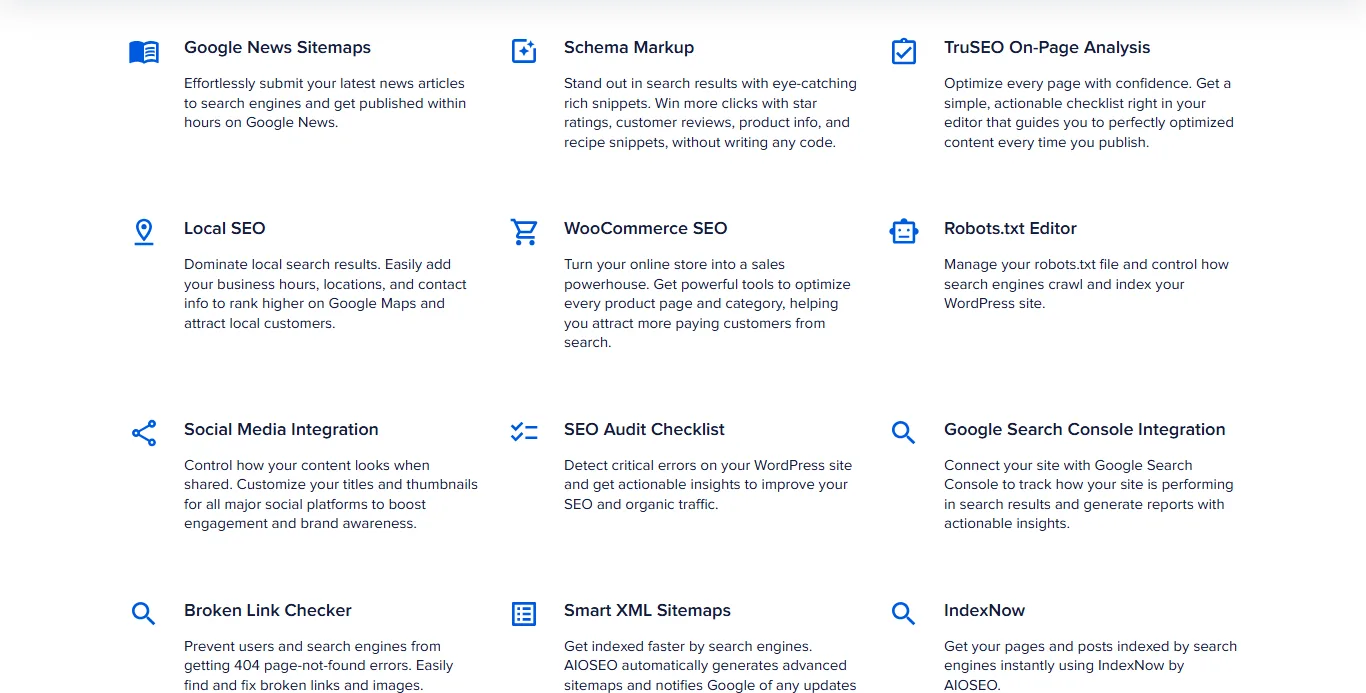
All in One SEO (AIOSEO) and Yoast SEO are two of the most widely used SEO plugins for WordPress. Both handle the basics most sites need: SEO titles and meta descriptions, XML sitemaps, structured data and content analysis in the editor. They differ in how they present those tools and in what their paid versions add. Below we compare them feature by feature so you can pick the one that fits your site. For more options, see our list of the best SEO plugins for WordPress.
Key takeaways
- Both plugins have a free version on WordPress.org and a paid version with extra features.
- Both start with a guided setup wizard, analyze your content as you write and generate XML sitemaps and schema markup automatically.
- All in One SEO scores content with its TruSEO analysis and bundles extras such as a robots.txt editor, an SEO audit checklist and RSS, video and news sitemaps in its free version.
- Yoast SEO uses its traffic-light SEO and readability analysis; its Premium plan adds redirects, internal linking suggestions, multiple keyphrases and social previews, and includes its separate Local SEO, Video SEO and News SEO plugins.
- Neither is a wrong choice: pick the one whose editor workflow and paid features match what your site needs.
Setting up All in One SEO vs Yoast SEO
Both plugins install from the WordPress plugin directory like any other plugin, and both open a guided setup after activation.
All in One SEO
AIOSEO starts with its SEO setup wizard, which asks about your site type, business details and the features you want, then applies sensible defaults. You can rerun it later or change each setting in the plugin’s menus.
Yoast SEO
Yoast SEO opens a step-by-step configuration wizard. It asks whether your site represents a person or an organization, your site name and logo, and your social profiles, so it can output accurate structured data from the start.
| All in One SEO | Yoast SEO | |
|---|---|---|
| Guided setup | SEO setup wizard | Step-by-step configuration wizard |
| Import from another SEO plugin | Yes | Yes |
Everyday optimization tools
Most of the time you spend with an SEO plugin is in the post editor, so this is where the difference shows most.
All in One SEO
AIOSEO adds a sidebar and meta box to the editor with its TruSEO analysis: a score and a checklist of on-page issues for your focus keyword, plus the SEO title, meta description and a search-result preview. Smart tags let you build titles and descriptions from variables such as the post title or site name, and its schema generator adds structured data without code.
Yoast SEO
Yoast adds the SEO analysis: a red, orange or green rating with specific suggestions for your focus keyphrase, a search-result preview and the SEO title and meta description fields. Its Premium version lets you check a post against more than one keyphrase and suggests internal links while you write.
| Tool | All in One SEO | Yoast SEO |
|---|---|---|
| On-page content analysis | TruSEO score and checklist | SEO analysis (traffic-light rating) |
| Title / meta description editor with preview | Yes | Yes |
| Title and description variables | Smart tags | Variables |
| Schema markup | Schema generator | Automatic structured data |
| Internal linking suggestions | Link Assistant | Premium |
Readability analysis
Both plugins also check how easy your text is to read, with suggestions on things like sentence and paragraph length and passive voice. In AIOSEO this is part of the TruSEO analysis; in Yoast it is a separate readability tab with its own traffic-light rating. Treat both as prompts, not rules: a suggestion that makes a sentence worse for your reader can be ignored.
XML sitemaps
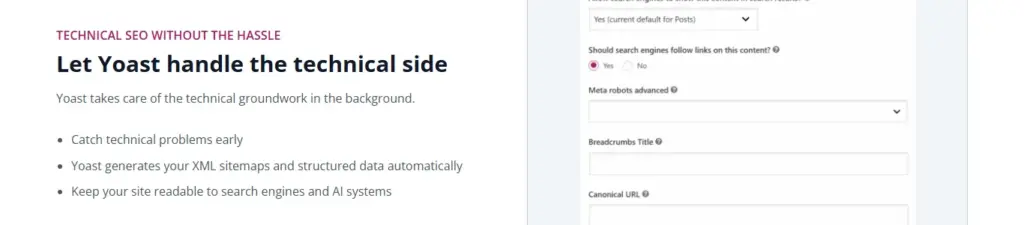
Both plugins create an XML sitemap automatically and update it when you publish, so in most cases you only need to submit its address in Google Search Console (we explain how to create and submit a sitemap step by step). Both let you leave out post types, taxonomies or single pages.
AIOSEO’s free version also lists video, news, RSS and HTML sitemaps. Yoast covers video and news sitemaps with its separate Video SEO and News SEO plugins, which are included in the Yoast SEO Premium plan (and in Yoast WooCommerce SEO and Yoast SEO AI+).
| Sitemap | All in One SEO | Yoast SEO |
|---|---|---|
| XML sitemap | Yes | Yes |
| Exclude content | Yes | Yes |
| Video sitemap | Yes | Separate Video SEO plugin (included in the Premium plan) |
| News sitemap | Yes | Separate News SEO plugin (included in the Premium plan) |
| RSS sitemap | Yes | No |
Social media settings
Both plugins add Open Graph and X (Twitter) card data, so you can set the title, description and image a post shows when it’s shared, and both let you list your social profiles for your site’s structured data. AIOSEO shows social previews for Facebook, X and Pinterest; in Yoast, the Facebook and X previews are part of Premium.

Free vs paid versions
Both free versions cover what most small sites need: titles and descriptions, sitemaps, schema, breadcrumbs and content analysis. The paid versions differ:
- AIOSEO Pro adds features such as more schema types, local business SEO, WooCommerce SEO, image SEO and more redirect and link tools (some of these are also listed for the free version; check the current feature list before you buy).
- Yoast SEO Premium adds redirects, internal linking suggestions, multiple keyphrases, social previews, AI-drafted titles and descriptions and 24/7 support; the Premium plan also includes the separate Local SEO, Video SEO and News SEO plugins.
Both sell plans by number of sites. Prices change often, so check the current plans on aioseo.com and yoast.com before you buy.
Which one should you choose?
- Choose All in One SEO if you want a single score and checklist in the editor, and extras such as the robots.txt editor, SEO audit checklist and video, news and RSS sitemaps without buying add-ons.
- Choose Yoast SEO if you prefer separate SEO and readability ratings with plain-language suggestions, and you would use its Premium redirect manager, internal linking suggestions or multi-keyphrase analysis.
- Already using one? Switching is rarely worth it on its own (AIOSEO can import Yoast’s titles, descriptions and settings; Yoast has its own import tools for other SEO plugins), and the gains from good content and SEO best practices are bigger than the difference between the plugins.
FAQ
Can I use All in One SEO and Yoast SEO together?
No. Running two SEO plugins outputs duplicate titles, meta descriptions and schema. Pick one and deactivate the other; AIOSEO can import Yoast’s settings, and Yoast has import tools for data from other SEO plugins.
Is the free version enough?
For most blogs and small business sites, yes: both free versions handle titles, descriptions, sitemaps, schema and content analysis.
Which plugin creates XML sitemaps?
Both do, automatically. AIOSEO’s free version also lists video, news and RSS sitemaps; Yoast’s come from its separate Video SEO and News SEO plugins, which are included in the Premium plan.
Do these plugins guarantee better rankings?
No plugin does. They make the technical basics easy and point out on-page issues; rankings depend on your content, links and competition.